Audio Tools That Stay on Your Device
Everything you need to edit audio, right in your browser — cut, join, convert, transpose, denoise, normalize, and record. Your files never upload. No watermarks, no signup, files up to an hour free.
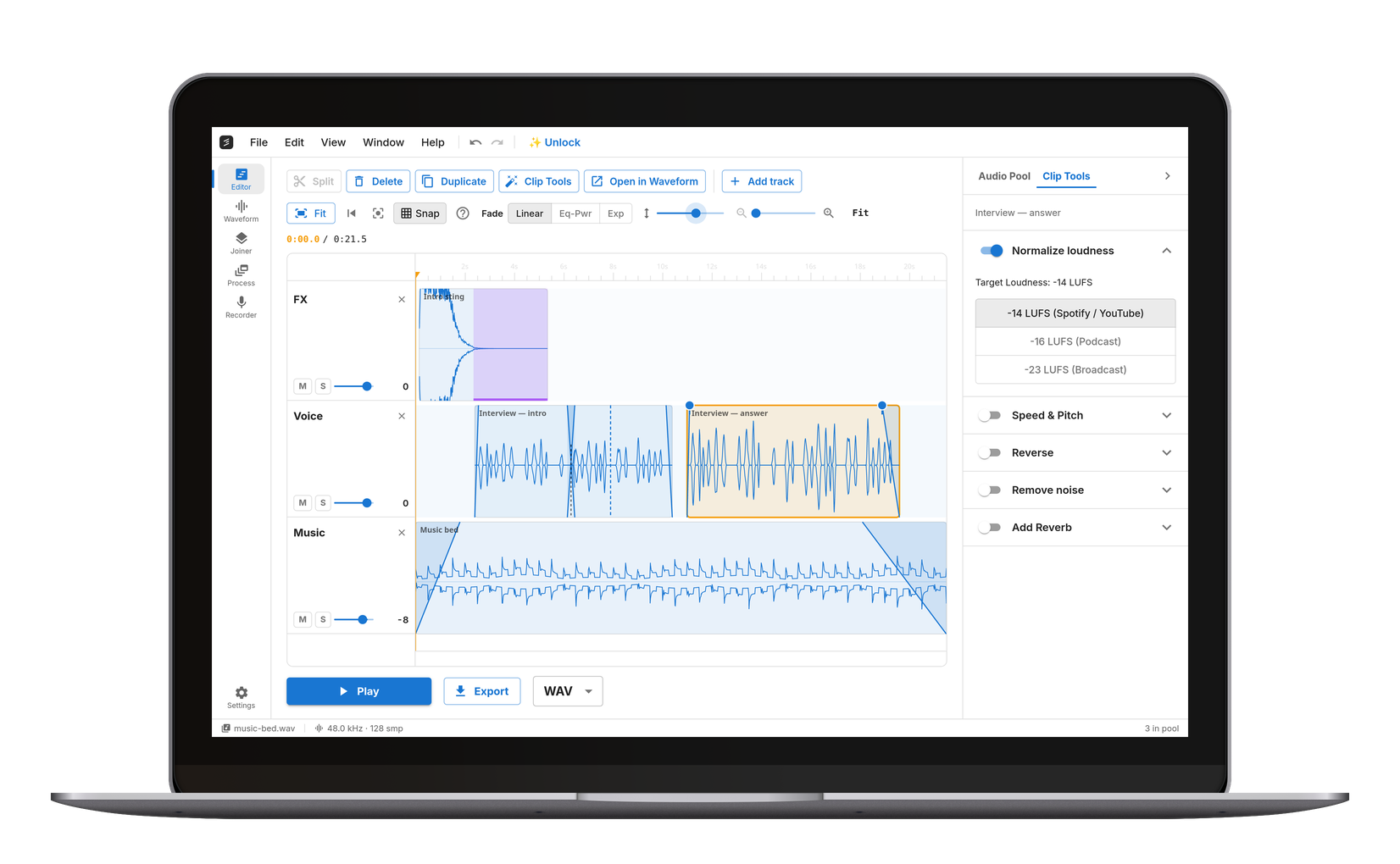
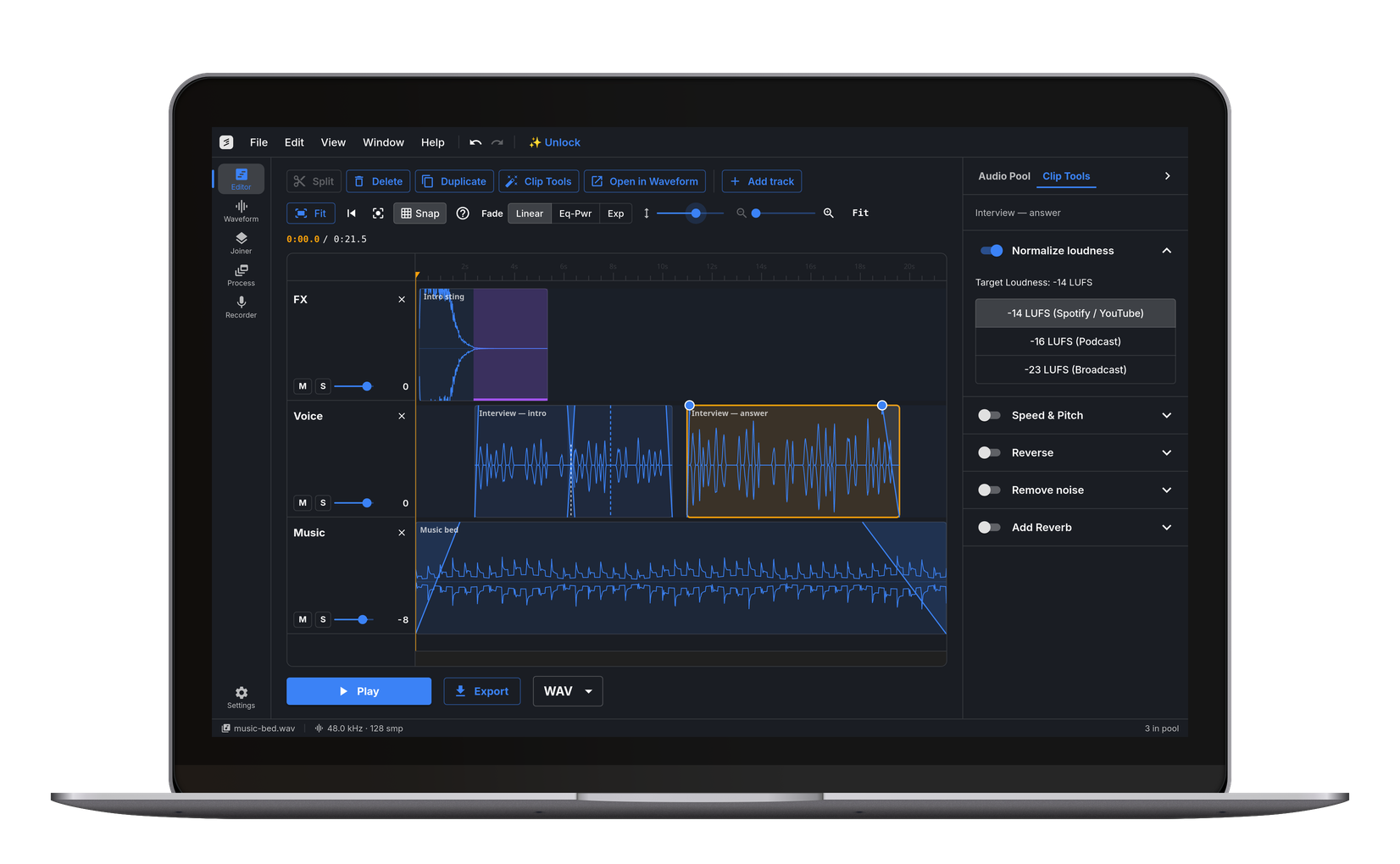
















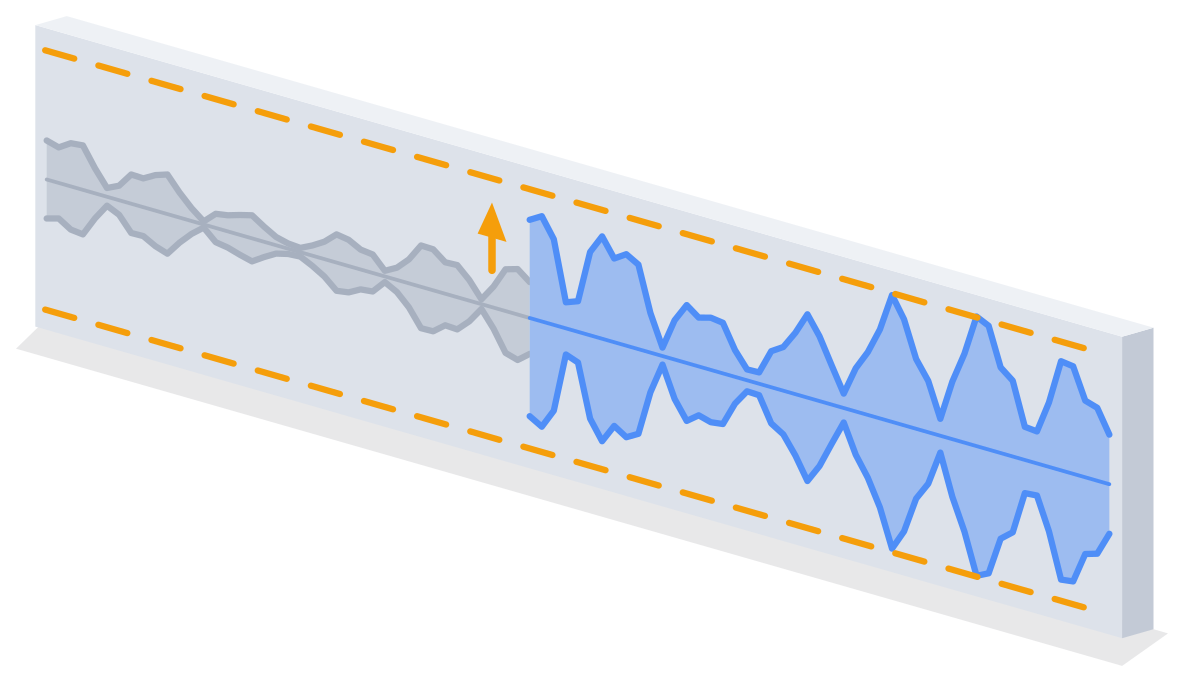
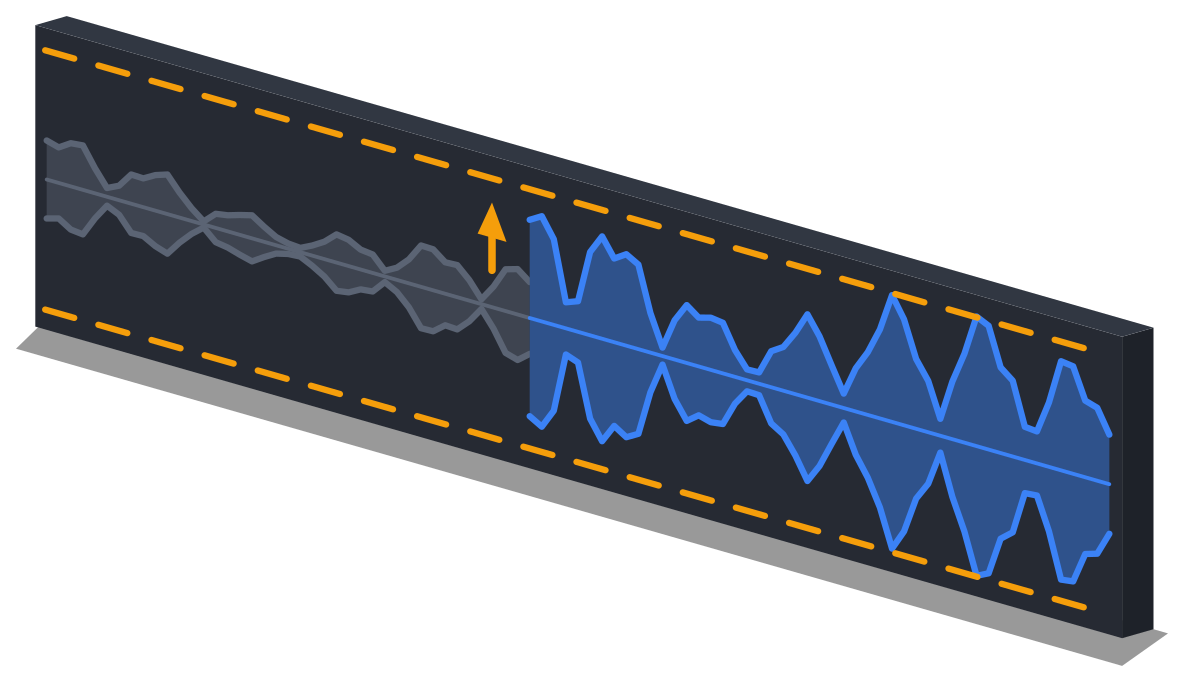


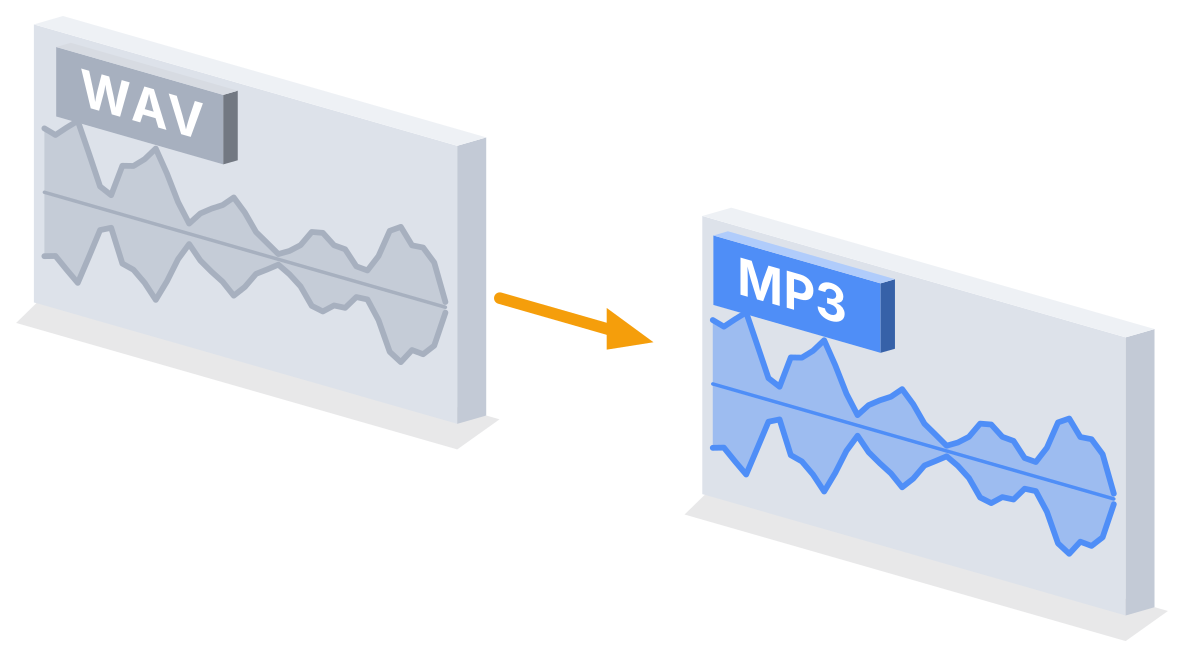
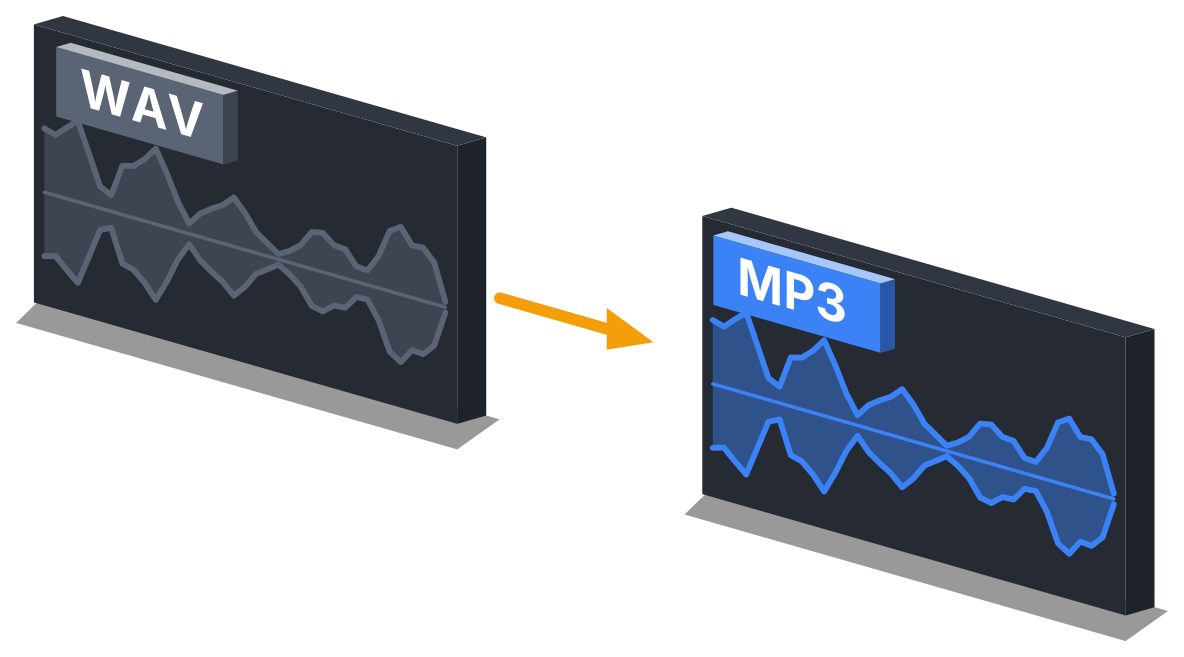



Runs on Your Device
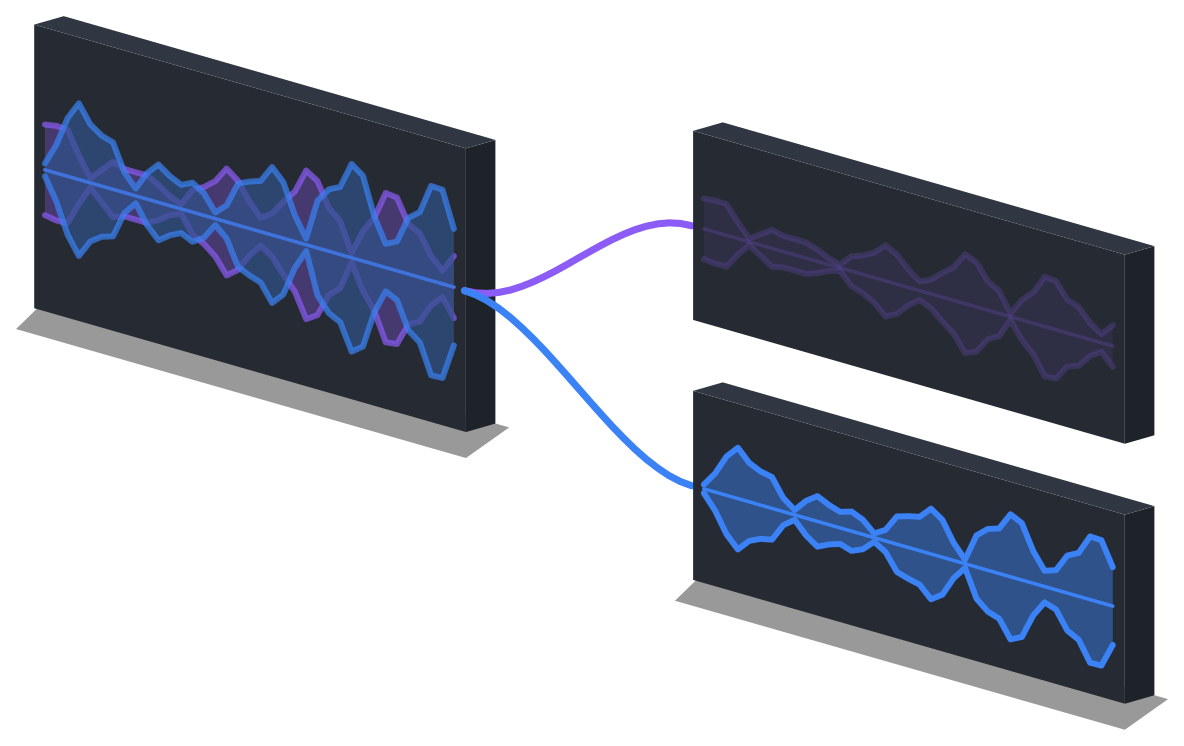
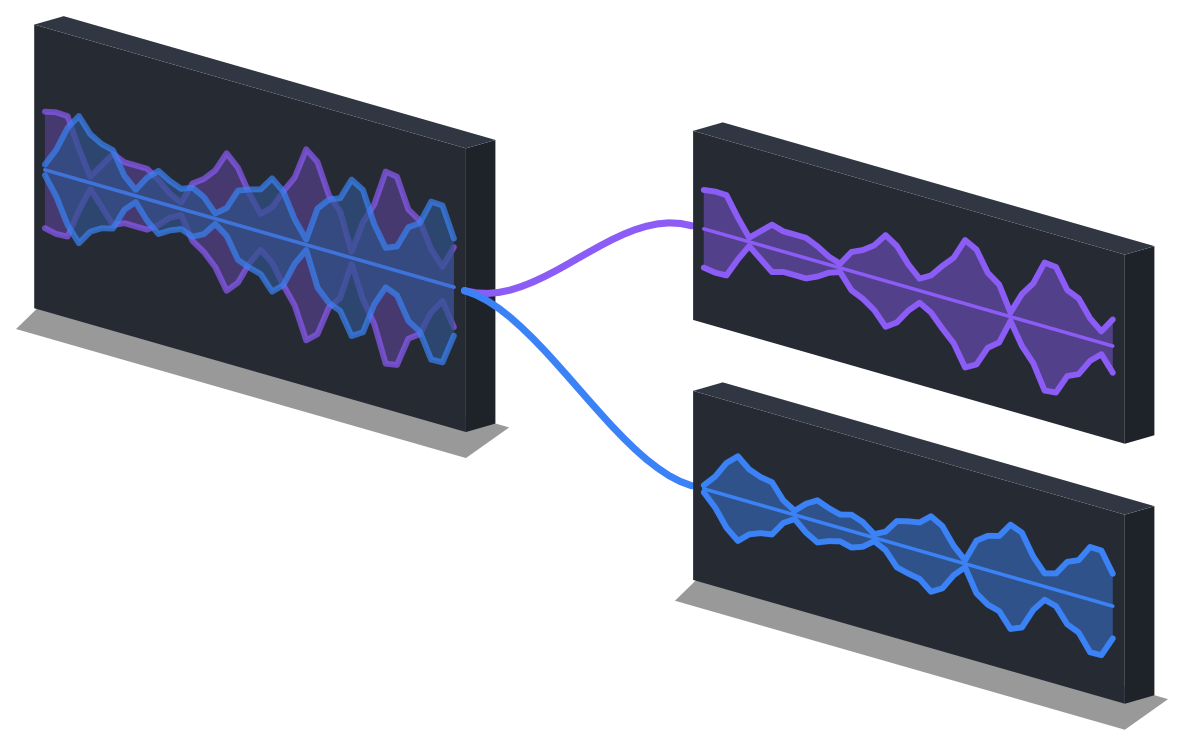
Processing happens right on your device — no upload queue, no waiting on a server, no watermarks. Files up to one hour; most tools finish in seconds.Your Audio Stays Local
Your audio never leaves your device. No uploads, no cloud storage.Works Everywhere
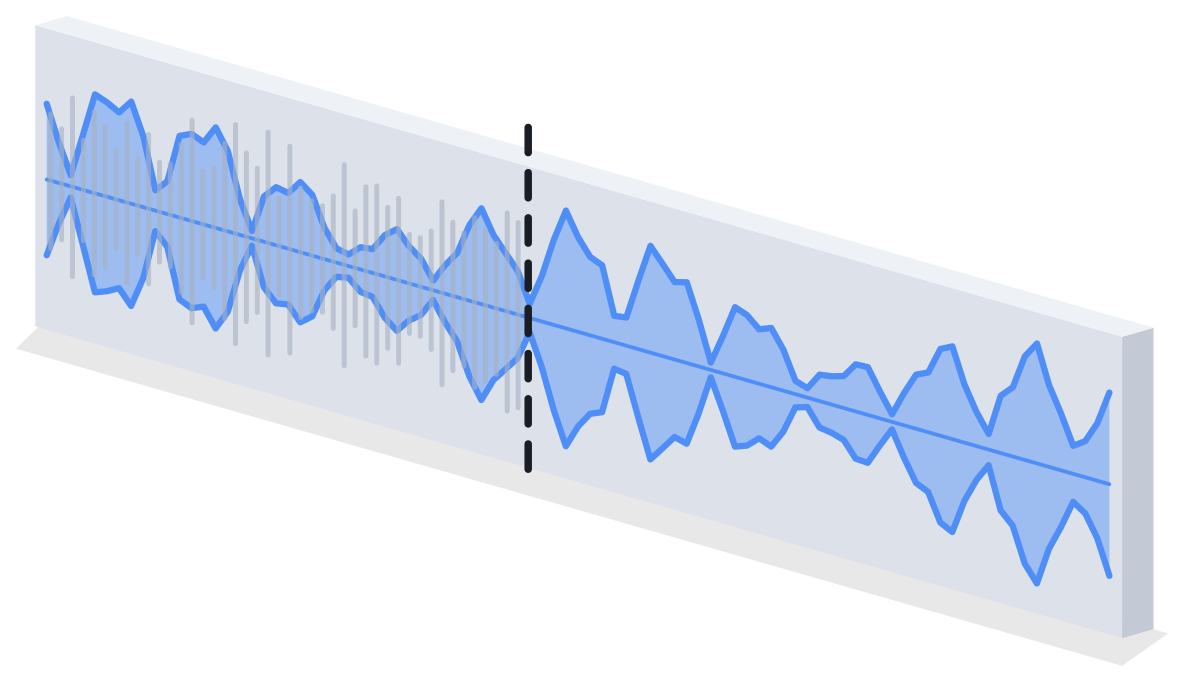
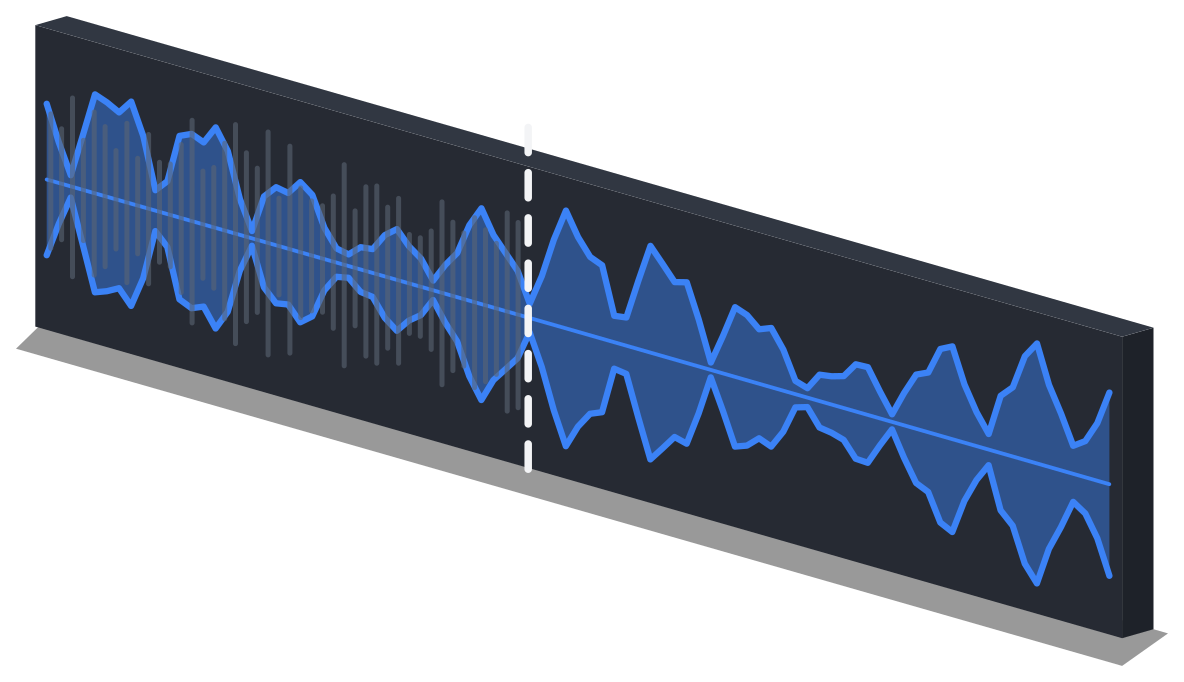
Any modern browser on Windows, Mac, Linux, Chromebook, iPhone, or Android. No install needed — just open the page. Prefer an app? There's one for Windows.Frequently Asked Questions
Yes. Every tool is free to use — no ads, no watermarks. Free covers ten exports a day, three AI exports a day on top of those, files up to one hour, and three files per run in batch conversion; cut.audio Pro lifts those limits, in the browser and in the Windows app, cut.audio Studio.
No. Your audio never leaves your device. Everything is processed locally, in your browser or in the Windows app. Your audio is never sent anywhere.
Almost anything: MP3, WAV, FLAC, OGG, M4A, AAC, Opus, AMR, WMA and more — including iPhone voice memos, WhatsApp notes and the audio track of MP4, MOV, MKV or WebM videos. Every format opens the same way, up to one hour per file. Output is MP3, WAV, FLAC or OGG.
There's no server-side limit since files aren't uploaded, and no watermark either. What there is, is a length ceiling: about an hour per file, the same for every format, because the work happens in your browser's memory. Free refuses a file past the hour. cut.audio Pro splits it into parts in the browser; on Windows, the same Pro lets cut.audio Studio open it whole (up to four hours).
Yes. cut.audio works in any modern browser including Safari on iPhone/iPad and Chrome on Android.