Record Audio
Click to start recording from your microphone
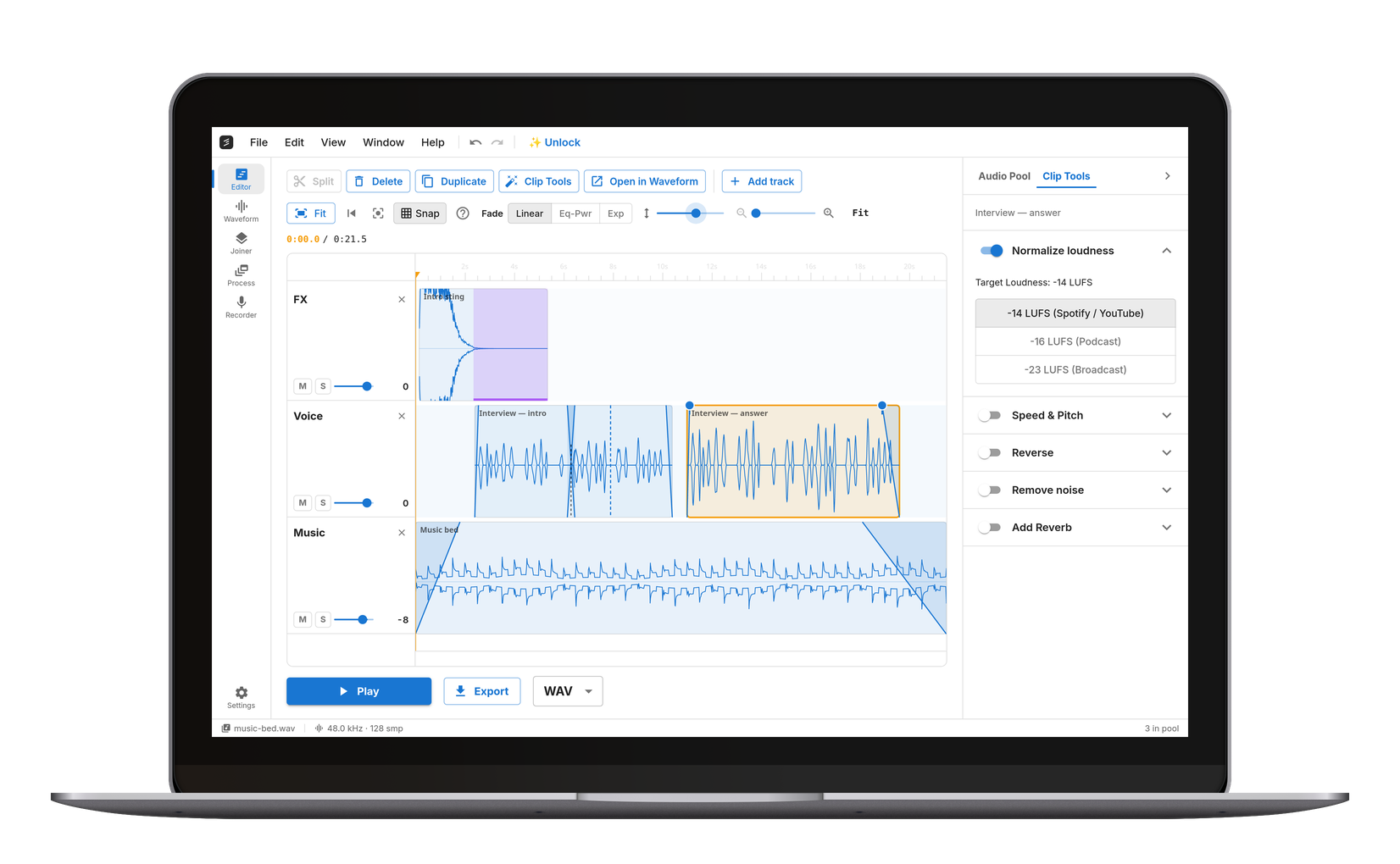
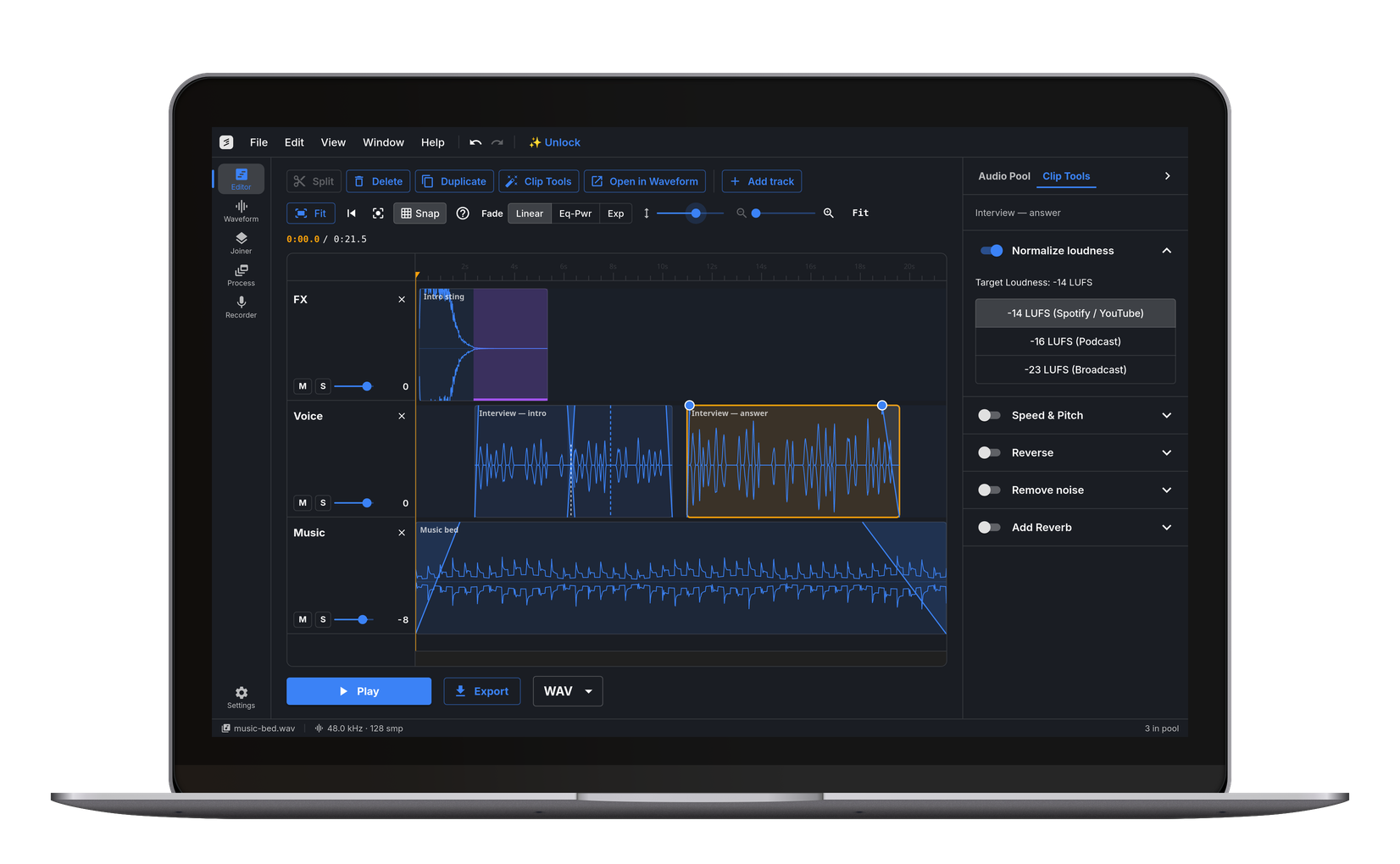
Record Audio Online — No App Needed
Click Record and start speaking. This is a free online voice recorder and sound recorder: the browser captures your microphone audio locally — nothing is uploaded. When you're done, trim the recording on the waveform and export as MP3, WAV, FLAC, or OGG. Works on Windows, Mac, Linux, Chromebook, iPhone, and Android, in Chrome, Firefox, Safari, and Edge.
Record Meetings, Interviews, and Dictation
Recording and processing stay on your device. Nothing is uploaded, nothing is stored on a server.
Voice Memos, Podcast Drafts, and Song Ideas
Capture a quick thought, a reminder, a melody you hummed in the car, or a first podcast take. Trim the silence at the start and end, then export as MP3 to share or WAV to bring into a DAW.
Singing and Language Practice
Record yourself performing a song, reading a foreign-language passage, or rehearsing a speech, then play it back to check tone, pace, and pronunciation. Combine with the Speed & Pitch tool to slow down and compare against the original.
Tidy Up the Take
Every recording starts a few seconds before you do and runs a few seconds past the end, because the button is not where the microphone is. The Trimmer takes both off, and anything in the middle you would rather nobody heard — a stumble, a phone buzzing, the take you started over. Mark each one, listen back with them skipped, and export a single clean file. The recording goes straight across from the audio pool without being saved and reopened first.
Open the Audio Trimmer →One-Click Recording
Hit Record and go. No drivers, no configuration — uses your browser's built-in microphone access.100% Private
Audio is recorded and processed locally. Nothing is ever uploaded to any server.Works on Any Device
Record voice memos on your phone, laptop, or Chromebook. Any modern browser works.Frequently Asked Questions
Open cut.audio/recorder in your browser, click Record, and allow microphone access when prompted. The browser captures your audio locally. When done, trim on the waveform and export as MP3, WAV, FLAC, or OGG. Works on Windows, Mac, Linux, and Chromebook.
No. Recording and processing happen entirely in your browser — the audio never reaches a server.
Yes. After you stop recording, a waveform editor appears. Drag the start and end markers to keep only what you want, then export.
The recorder captures microphone audio. To record both sides of a video call, you need system audio capture too, which usually means installing a loopback driver. For single-mic use — your own side of the conversation, voice notes, dictation — this tool works out of the box.
Chrome, Firefox, Safari, and Edge all support microphone access. Works on desktop (Windows, Mac, Linux, Chromebook) and mobile (iPhone, Android).
Up to one hour per recording. Everything stays in your device's memory — there's no upload, so your connection speed doesn't matter and neither does dropping offline halfway through. For longer recordings, cut.audio Studio on Windows opens files up to four hours with Pro.