Drop Audio File Here
MP3, WAV, FLAC, OGG, M4A, AIFF
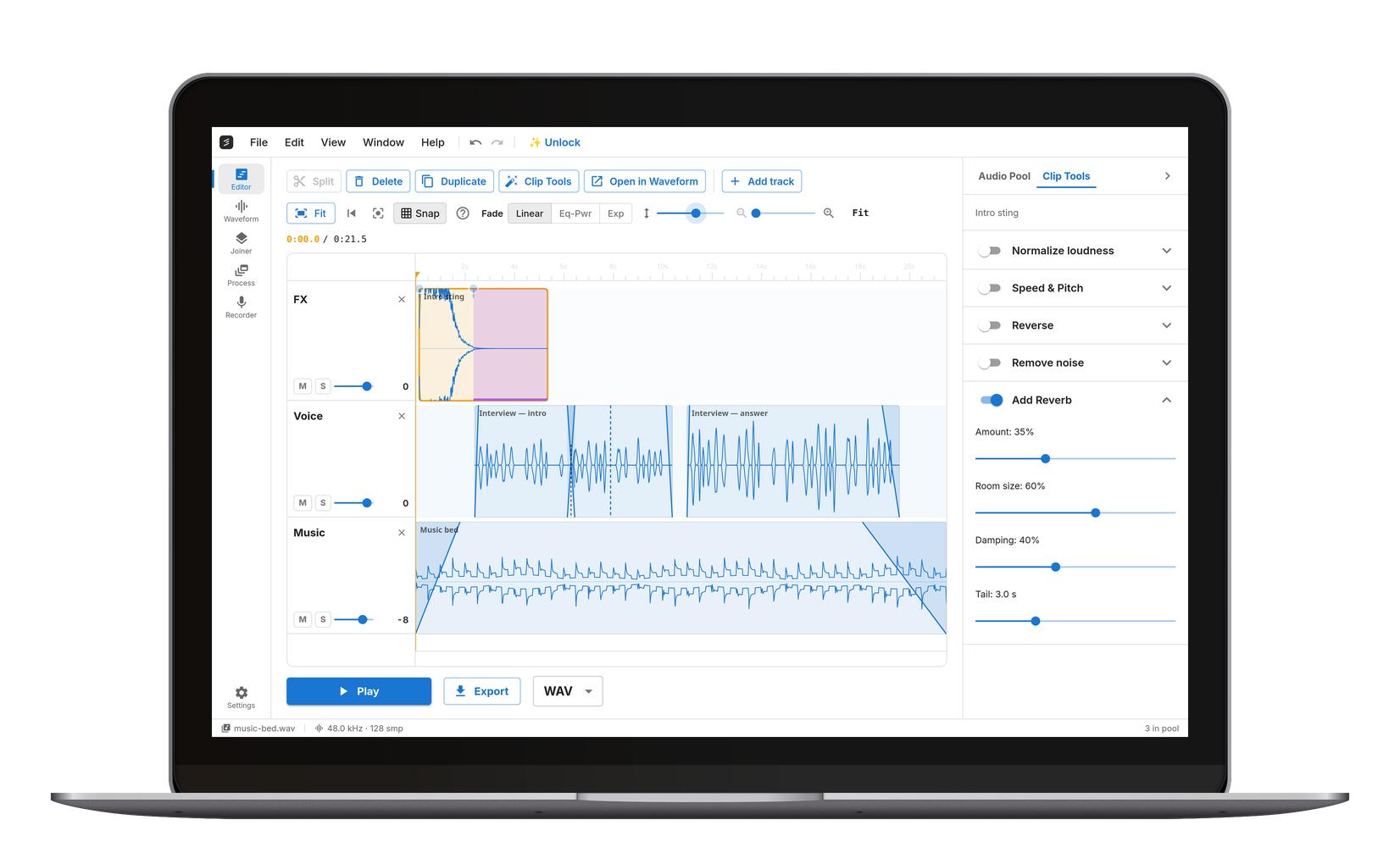
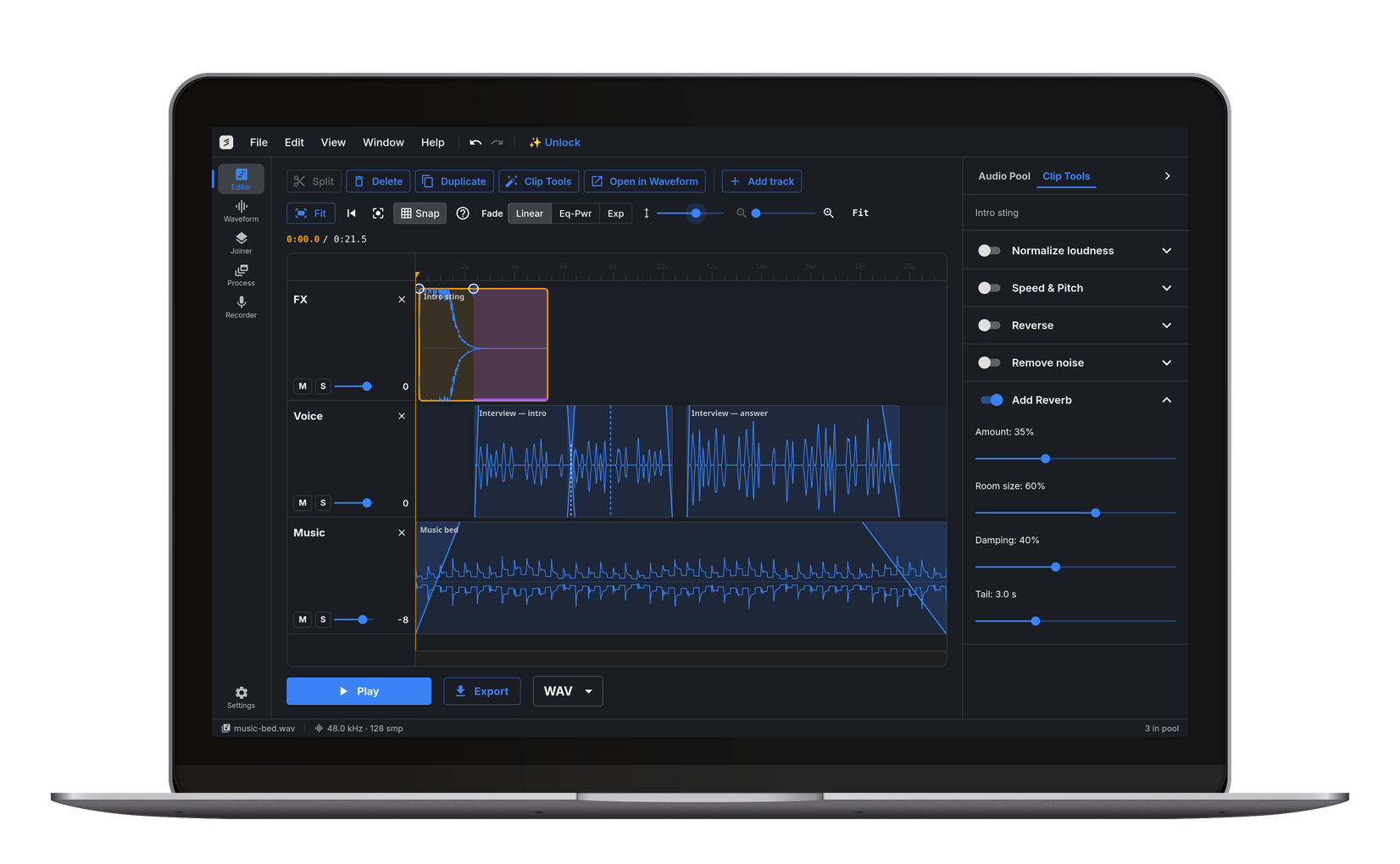
Add Natural Reverb to Any Recording
Drop in a file and shape the space around it: the room size slider moves from a tight vocal booth to a long concert-hall decay, damping controls how bright or dark the reflections are, and the mix slider sets how far back in the room the sound sits. Preview the exact result instantly, then export as MP3, WAV, FLAC, or OGG. Everything runs locally in your browser — your audio is never uploaded.
Fix Dry, Lifeless Vocal and Voiceover Takes
Vocals recorded close to the mic in a treated or small room often sound flat and disconnected. A short room reverb at 20–30% mix restores the sense of a real space without washing out the words — the standard trick for voiceovers, podcast intros, and demo vocals. Keep damping around 40–50% so the tail doesn't hiss.
Place Instruments in a Room
DI-recorded guitar, software instruments, and drum samples sit better in a mix with a shared acoustic space. Small room settings glue percussion; larger sizes suit pads, strings, and slow melodic lines. Because the reverb is rendered into the file with its full tail, the end of the note rings out naturally instead of being clipped.
A Real Reverb Engine, Rendered Offline
This is a genuine stereo Freeverb-family algorithm — parallel comb filters with series all-pass diffusion — not a convolution snippet looping under the track. The export extends past the end of the audio so the decay finishes in silence, and the output is peak-protected against clipping. Works on Windows, Mac, Linux, Chromebook, iPhone, and Android.
Frequently Asked Questions
Drop the file on this page, set the reverb amount, room size, and damping, and click Preview to hear it. When it sounds right, choose a format and click Export — the processed file downloads immediately. Everything runs in your browser; nothing is uploaded.
Start with 20–30% reverb amount, room size around 40–50%, and damping near 50%. That adds presence and space without smearing the words. For a dramatic, distant sound, push room size and amount up together.
Damping controls how quickly high frequencies die away in the reverb tail. Low damping sounds bright and glassy, like tiled rooms; high damping sounds warm and dark, like a carpeted studio or a hall with soft surfaces.
No. The export extends a few seconds past the end of the audio so the decay rings out naturally into silence.
No — removing reverb is a different, much harder problem. This tool only adds it. If a recording has unwanted room noise, the Noise Remover can help with steady background noise, but de-reverberation isn't currently offered.
Yes, it's free, with no watermark. Ten exports a day are free; Pro makes them unlimited. The processing runs on your own device, so there are no server costs behind it.