Drop Audio File Here
MP3, WAV, FLAC, OGG, M4A, AIFF
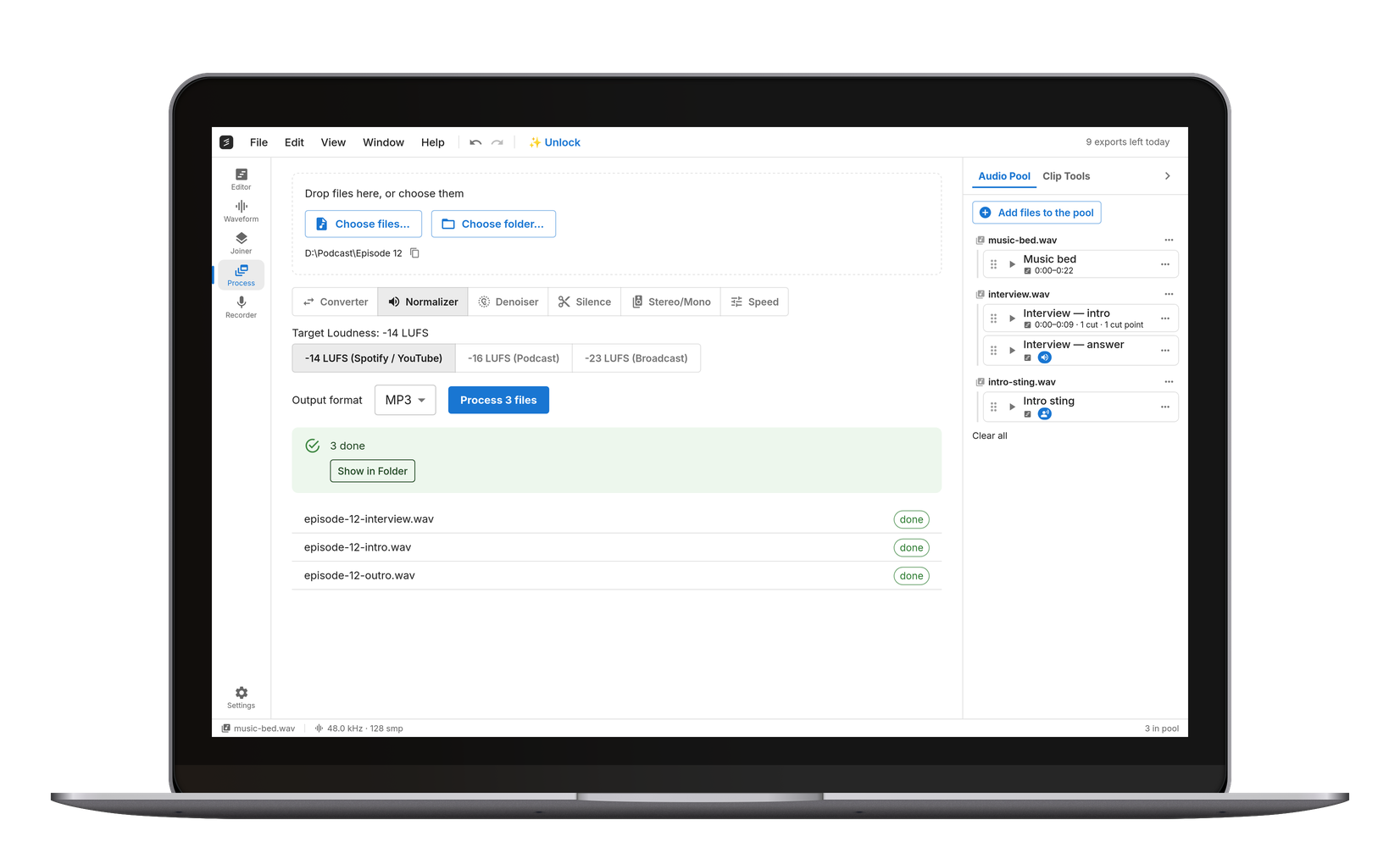
Convert Between Stereo and Mono
Drop in a file and pick an operation: downmix stereo to a single mono channel, keep only the left or right channel, swap the two channels, or duplicate a mono file out to stereo. Preview instantly, export as MP3, WAV, FLAC or OGG. Everything runs locally in your browser — no upload, no watermark, no account.
Fix "Audio Only Plays in One Ear"
A common problem: an interview or screen recording where the voice sits only on the left (or right) channel. Pick 'Left only' or 'Right only' to extract the channel that has the audio — the export is a clean mono file that plays centered in both ears. If both channels carry different people, downmix to mono instead so both stay audible.
Why Podcasts Ship in Mono
Spoken-word content is usually delivered mono: half the file size at the same bitrate, no phase surprises on phone speakers, and platforms like some podcast hosts expect it. Downmixing here averages the channels, which keeps the loudness balanced. Music, by contrast, usually stays stereo — check with a preview whether the downmix loses width you care about.
Frequently Asked Questions
Drop the file on this page, keep 'Stereo → Mono' selected, press Preview to check, then Export. The mono file downloads immediately — everything runs in your browser.
Choose 'Left only' or 'Right only' (whichever side has the audio) and export. The result is a mono file that plays equally in both ears.
For compressed formats, usually yes — a mono MP3 at the same quality needs roughly half the bitrate of stereo. WAV halves in size exactly, since it stores one channel instead of two.
Yes — free, no watermark. Ten exports a day are free; Pro makes them unlimited. The processing runs on your own device.