Drop Audio File Here
MP3, WAV, FLAC, OGG, M4A, AIFF
Cut Dead Air Automatically
Drop in a recording and the tool finds every stretch that stays below your silence threshold for longer than the minimum length, removes it, and joins the rest seamlessly — with a padding buffer around each kept region so no word onsets get clipped. Preview the tightened version, then export. It reports exactly how many seconds of dead air were removed. Everything runs locally in your browser: no upload, no watermark. Free use needs no account and includes ten exports a day; cut.audio Pro, a monthly subscription, makes them unlimited.
Dial In the Detection
The threshold decides what counts as silence: -40 dB suits quiet home recordings; go toward -30 dB if your room has noticeable background noise, or toward -50 or -60 dB for very clean studio takes. The minimum silence length keeps natural micro-pauses intact — 0.5 s removes awkward gaps but leaves speech rhythm alone; 1–2 s only cuts genuinely long holes.
Split a Long Recording at Every Pause
Switch to 'Split at silence' and instead of one tightened file you get a separate file per spoken section — the classic way to turn a one-take voice-memo session into individual clips, an audiobook recording into chapters, or a vinyl rip into tracks. Download saves every segment at once.
Podcasts: Silence First, Then Loudness
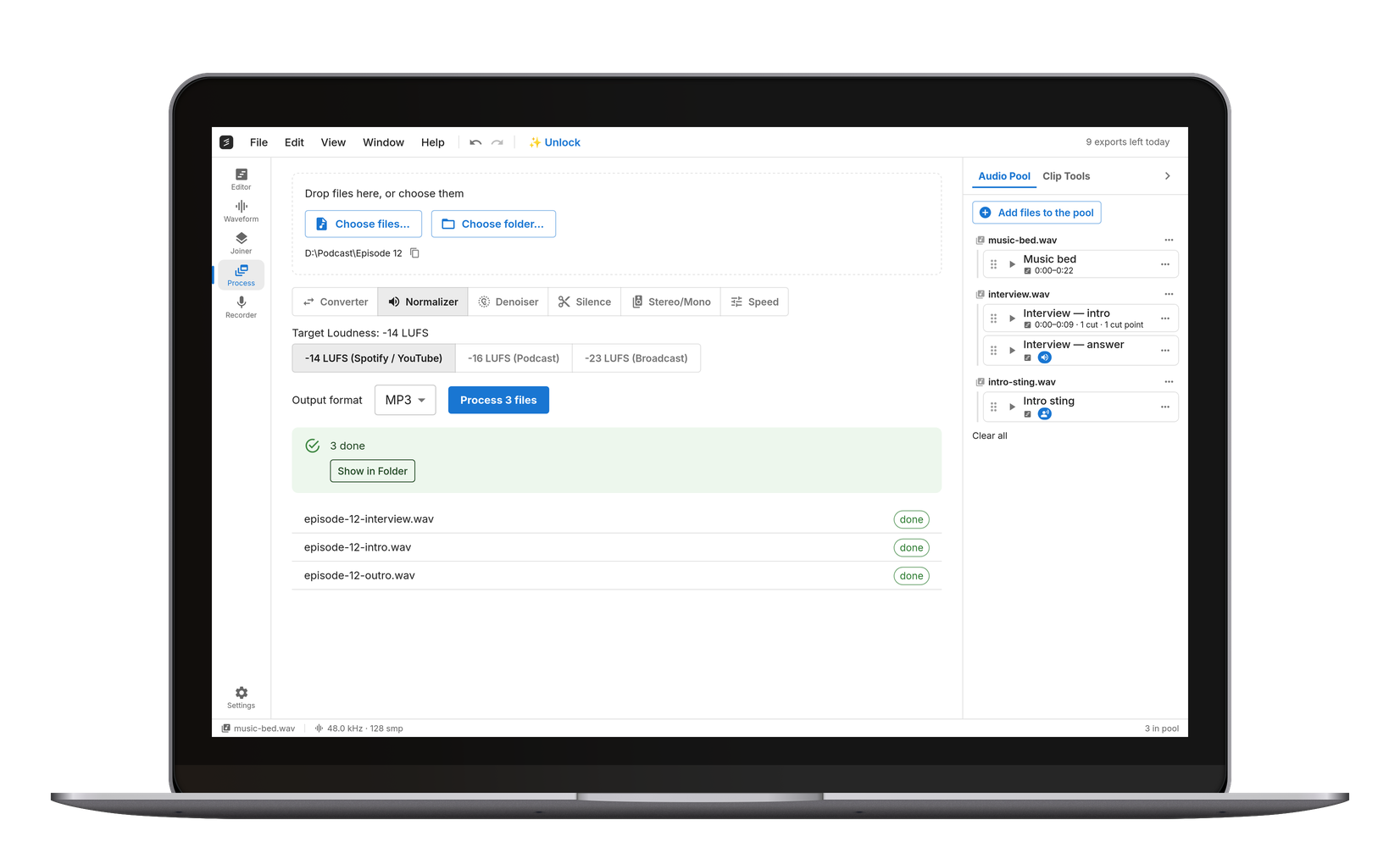
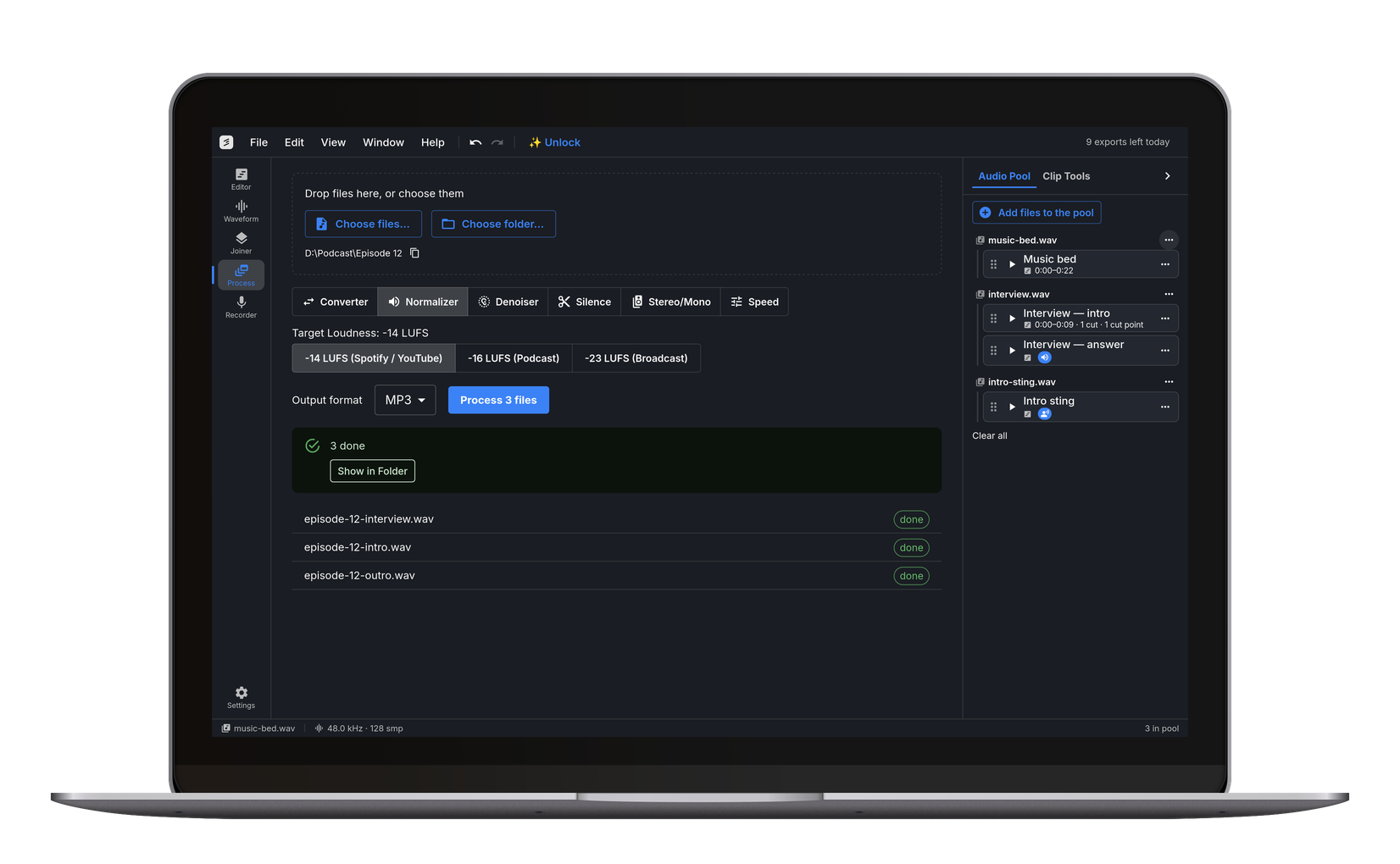
A good pipeline: remove silence here, then send the result to the Volume Normalizer (the tools share a file pool) to hit -16 LUFS for podcast platforms. Unlike editor-based cleanup, nothing is uploaded and there's no watermark on the export — the two complaints that dominate the usual web alternatives.
Remove a Cough or a False Start by Hand
Threshold detection only finds what is quiet, so anything loud but unwanted stays put — a cough, a stumble, a doorbell, thirty seconds of the wrong take. Mark those yourself in the Trimmer: drag a bracket around each one, play back to hear the result with them skipped, and export one file with the lot gone. The two tools share the file pool, so a recording de-silenced here can go straight across without downloading it in between.
Open the Audio Trimmer →Frequently Asked Questions
Drop the file on this page, adjust the threshold if needed, press Preview to hear the tightened version, then Export. The tool reports how many seconds it removed. Everything runs in your browser — nothing is uploaded.
Each kept region is padded with a short buffer before and after, so speech onsets and tails survive. If something still sounds clipped, lower the threshold (e.g. -50 dB) so quieter lead-ins count as sound.
Yes — use 'Split at silence' with a longer minimum silence (1–3 s). Each section between the long gaps becomes its own file, and Download saves all of them.
Start at -40 dB. If too much survives (background hiss counts as sound), move toward -30 dB. If words get eaten, move toward -50 or -60 dB.
Yes, free — no watermark. Ten exports a day are free; Pro makes them unlimited. The processing runs on your own device.